Last updated: 29 November 2026
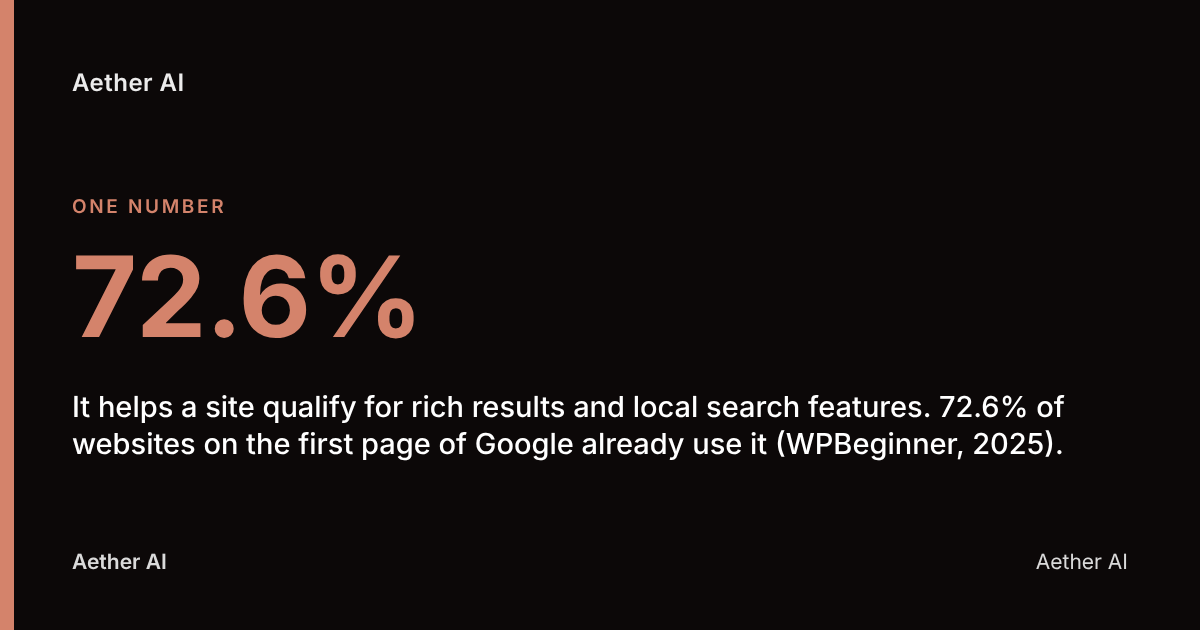
Schema markup is code added to your website's HTML that tells search engines exactly what your business is, where it is and what it offers. It helps a site qualify for rich results and local search features. 72.6% of websites on the first page of Google already use it (WPBeginner, 2025).
Key Takeaways
- Schema markup does not guarantee higher rankings or rich snippets; it makes a site eligible, but Google still decides whether to display them.
- LocalBusiness, Product, Review and FAQ schema cover almost every practical need for a UK small business, and the right starting point depends on whether a business trades locally, online, or both.
- The most damaging schema errors are marking up content that is not actually visible on the page, and letting the markup fall out of sync with real business details such as hours or address.
What schema markup is and how it helps a small business website
Schema markup is a standardised vocabulary, usually written in a format called JSON-LD (JavaScript Object Notation for Linked Data), that removes ambiguity about what a page is describing. A search engine does not need to guess whether a phone number belongs to the business or a quoted customer; the code states it directly. This is the same vocabulary maintained at Schema.org, used across all major search engines.
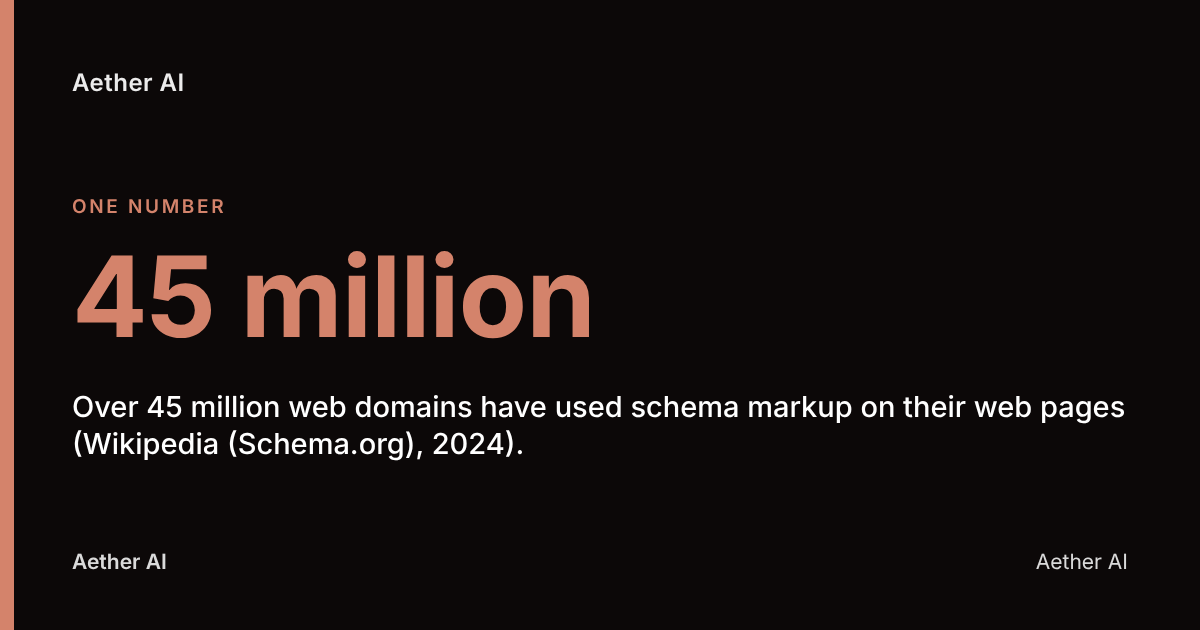
Over 45 million web domains have used schema markup on their web pages (Wikipedia (Schema.org), 2024). That scale matters for a small business, because adoption is no longer a niche technical exercise reserved for large retailers. Google's own documentation explains how structured data works and recommends the JSON-LD format specifically (Google Search Central , Introduction to Structured Data Markup). It sits in a separate script block, so it is easier to maintain without disturbing the visible page.
Our view: Aether AI believes small firms should not assume AI answers belong to the biggest budgets; clear, checkable specifics give any firm a fair chance of being named. Structured data states facts about a business in a format a machine can check.
For a small business, this matters practically. A well-marked-up page can show its address, hours, star rating or price range directly in search results, without the reader needing to click through first.
Which schema types matter most for UK small businesses
Most UK small businesses only need to get four schema types right: LocalBusiness, Product, Review and FAQPage. Which one to prioritise depends on how the business actually trades, regardless of how many types exist.
| Schema type | Best suited to | What it typically signals |
|---|---|---|
| LocalBusiness | Trades, clinics, salons, shops with a physical premises | Address, opening hours, phone number, service area |
| Product | Online retailers, makers selling direct | Price, availability, SKU, brand |
| Review or AggregateRating | Any business with genuine customer reviews | Star rating, review count, reviewer source |
| FAQPage | Service businesses with repeat customer questions | Question and answer pairs eligible for expanded results |
A business that only trades from a shop or a van needs LocalBusiness schema above anything else. An online-only retailer gets more value from Product and Review markup, since there is no premises to describe. A business doing both, such as a shop that also ships nationally, usually needs LocalBusiness alongside Product. FAQPage schema sits on top of either, wherever a page already answers real customer questions in writing.
Adding schema markup on WordPress, Shopify or Wix, and whether you need a developer
Most small business websites can add the basics of schema markup without hiring a developer. WordPress, Shopify and Wix all support structured data through plugins, apps or built-in theme settings, which cuts out the need to write JSON-LD by hand for common types.
- Identify which schema type the page needs: LocalBusiness for a contact or about page, Product for a sales page, FAQPage for a page that already lists questions and answers.
- Install a plugin or app built for structured data (WordPress has several SEO plugins with schema modules; Shopify has dedicated apps) and fill in the fields it asks for rather than writing code by hand.
- Check that every field matches what is visible on the page itself. Google's quality guidelines require marked-up content to reflect the main content of the page (Google Search Central: General Structured Data Guidelines).
- Publish the page, then test it before relying on it (covered below).
Custom or layered schema, such as a business offering several service types across multiple locations, usually benefits from developer input. A plugin can handle one LocalBusiness entry well; stitching together several related entities correctly, without duplication or conflicting data, is where a non-technical setup tends to go wrong.
What to include in LocalBusiness schema for a UK company, and getting it checked
LocalBusiness schema for a UK company should state the business's name, full postal address, telephone number, opening hours and geographic coordinates. Google's own documentation on Organization structured data sets out the fields it recognises for entity verification, including company name and official identifiers (Google Search Central: Organization Structured Data). A UK business adding its Companies House registration number alongside these core fields gives search engines and AI tools a cleaner, checkable identity to match against official records.
Despite this, adoption across UK small businesses is patchy. Across 4,324 UK small business websites audited, 43.5% had no schema markup at all (Get Your Website Seen, UK Small Business Website Health Report, 2026). The gap also varies sharply by trade. Electricians were the sector least likely to use schema markup, with 57.1% of audited sites having none (Get Your Website Seen, UK Small Business Website Health Report, 2026). A tradesperson checking their own site against that figure can see quickly whether their sector is ahead or behind before deciding where to start.
Before publishing anything, validate the markup. Google's own guidelines describe the technical requirements structured data must meet to be eligible for rich results at all (Google Search Central , General Structured Data Guidelines). A validator will catch missing required fields, malformed JSON-LD, or mismatches between the code and the page before they cause a problem.
Common mistakes and how schema affects rich results and local search
The two most damaging schema mistakes both come from treating the markup as separate from the page, when it should describe the page. The first is marking up information that is not actually visible to a visitor, such as a rating that does not appear anywhere on the page. The second is letting schema drift out of sync with reality, such as opening hours that were updated on the page but never in the code.
Both mistakes can suppress rich result eligibility. Google's structured data guidelines treat mismatches between marked-up and visible content as a quality issue (Google Search Central , General Structured Data Guidelines). Schema does not force a rich snippet to appear; it only makes a page eligible to be considered for one.
That same distinction, between being technically present and being understood clearly, carries over into how AI systems handle business information. Aether AI's measured AI-visibility baseline comes from 700 live AI engine scans of UK brands' target keywords, run in July and August 2026. It found the brands named in 23 answers, or 3.3%, with the longest-established brand, a security services business, named in 6.3% of its 270 scans. That pattern is consistent with the uneven schema adoption already described across UK sectors, and it leaves room for a business that gets the basics right.
FAQ
Do I need a developer to implement schema markup, or can I do it myself?
For the common types, LocalBusiness, Product, Review and FAQPage, most owners can add schema themselves using a plugin or app on WordPress, Shopify or Wix. Complex setups, such as multiple linked locations or service types, tend to benefit from developer input to avoid duplication or conflicting entries.
How much does it typically cost to implement schema markup for a small business site in the UK?
Cost depends on the platform, how many page types need markup, and whether the setup is simple or layered across multiple locations. There is no fixed industry price for this; a quote from a developer or agency, based on the specific site, will confirm the actual cost.
How long does it take to see SEO (search engine optimisation) results after adding schema markup?
Schema markup does not have a fixed timeline for results, because it affects eligibility for rich results without guaranteeing them. Search engines need to recrawl and reprocess the page first, and whether any visible change follows depends on competition and the quality of the underlying content.
Are there any UK-specific legal or compliance considerations when adding business data via schema?
Any business data marked up in schema, such as address, phone number or company registration details, should match what is publicly registered and accurate. Business owners should check their figures against official records, such as Companies House, rather than trust markup tools to confirm accuracy.
Getting schema markup working alongside AI visibility
Schema markup gives search engines and AI tools a clear, checkable description of a business, but it is one part of a wider picture. How that business is written about, cited and tracked across AI engines matters just as much. Aether AI's platform includes citation tracking across six AI engines, including ChatGPT, Perplexity, Google AI Overviews, Claude, Gemini and Copilot. It also offers a free AI-visibility audit for businesses wanting to see where they currently stand. If schema is the foundation, visibility tracking shows whether it is actually working.